Overview
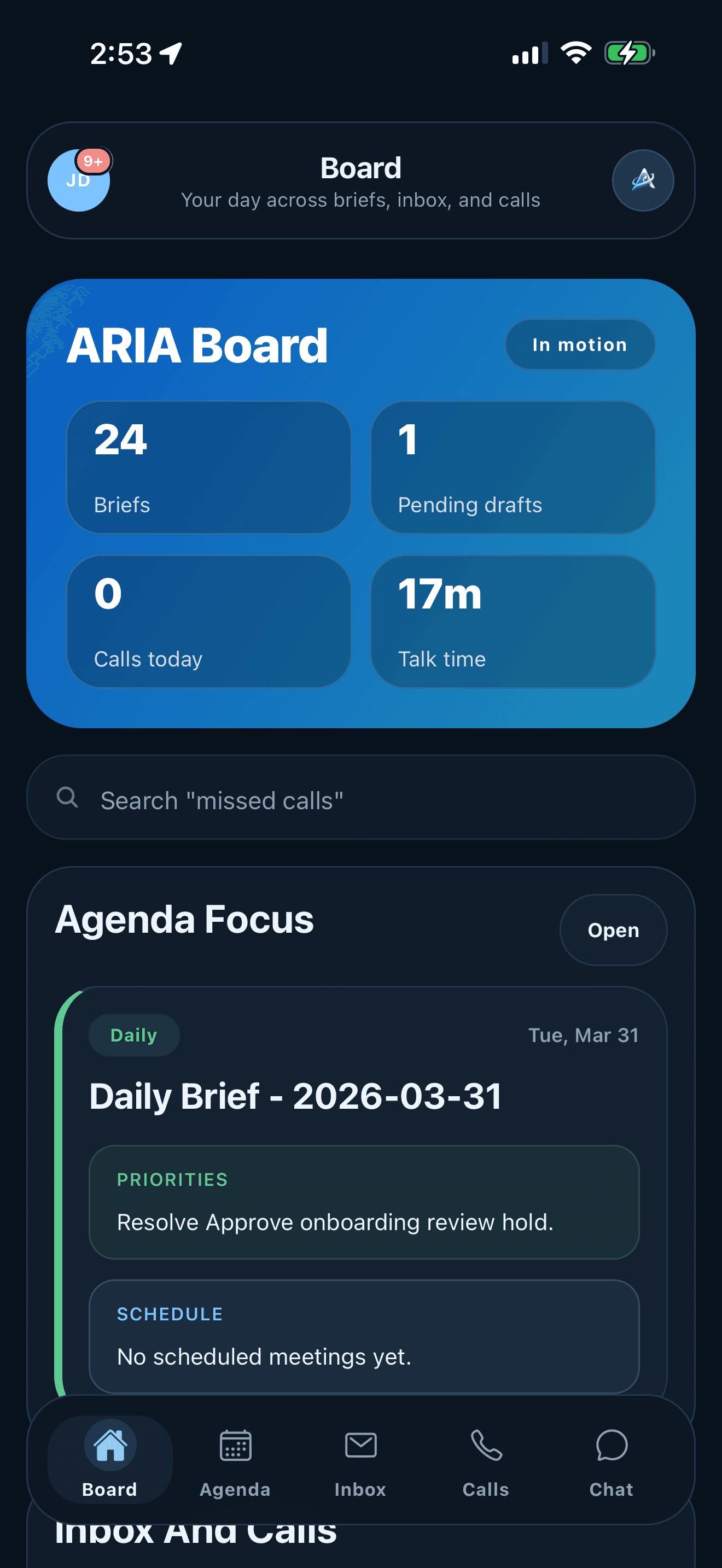
Board
Shows daily briefs, draft counts, calls, agenda items, and work that needs attention.
ARIA for iOS, Android, and web
ARIA helps users review email drafts, summarize calls, organize follow-ups, check calendar context, and ask questions about their current work.
Mobile app
Board gives users a daily overview. Agenda, Inbox, Calls, and Chat separate scheduling, draft review, call history, and questions so users can move between tasks without losing context.
Overview
Shows daily briefs, draft counts, calls, agenda items, and work that needs attention.
Calendar
Shows calendar views, generated summaries, follow-ups, and new events in one schedule view.
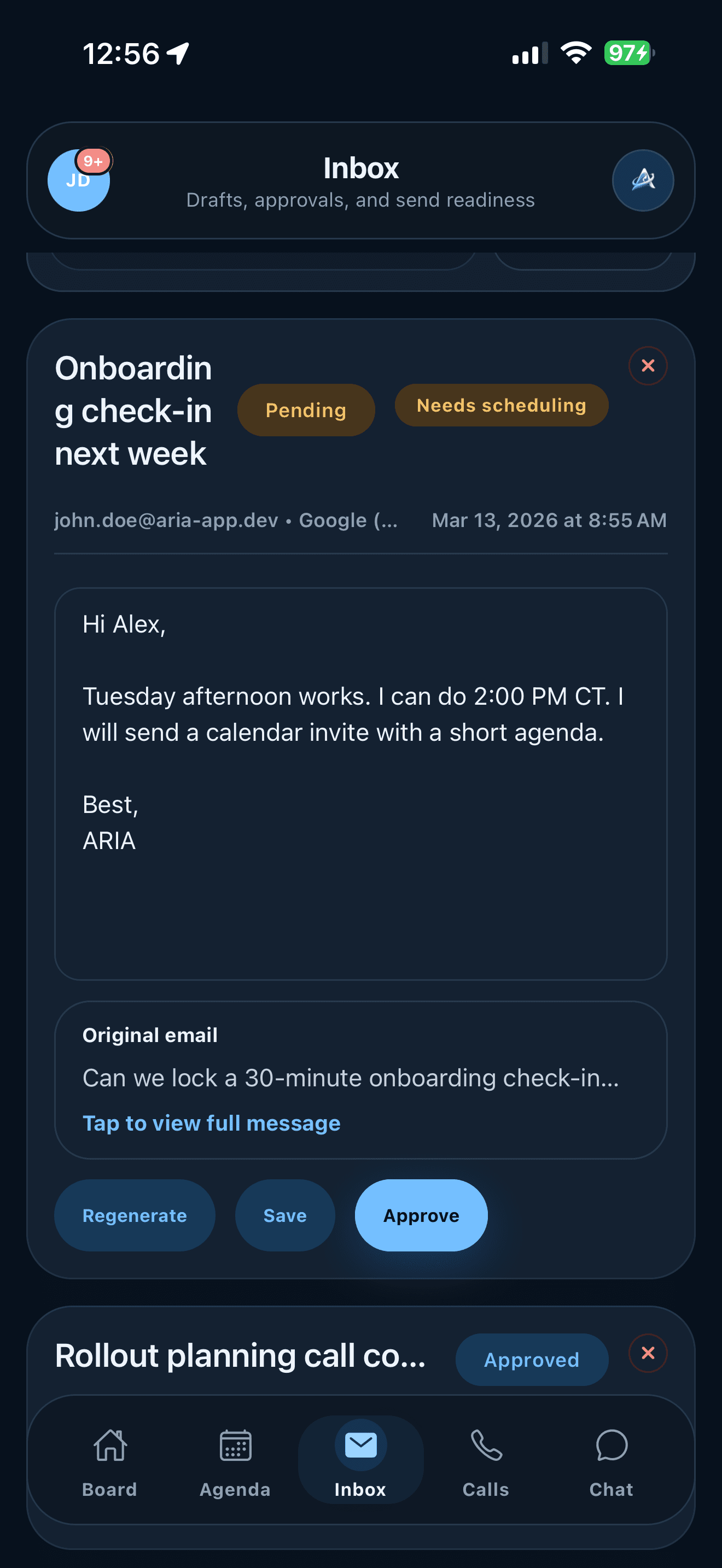
Draft review
Review generated replies next to the original message. Regenerate, save, or approve before sending.
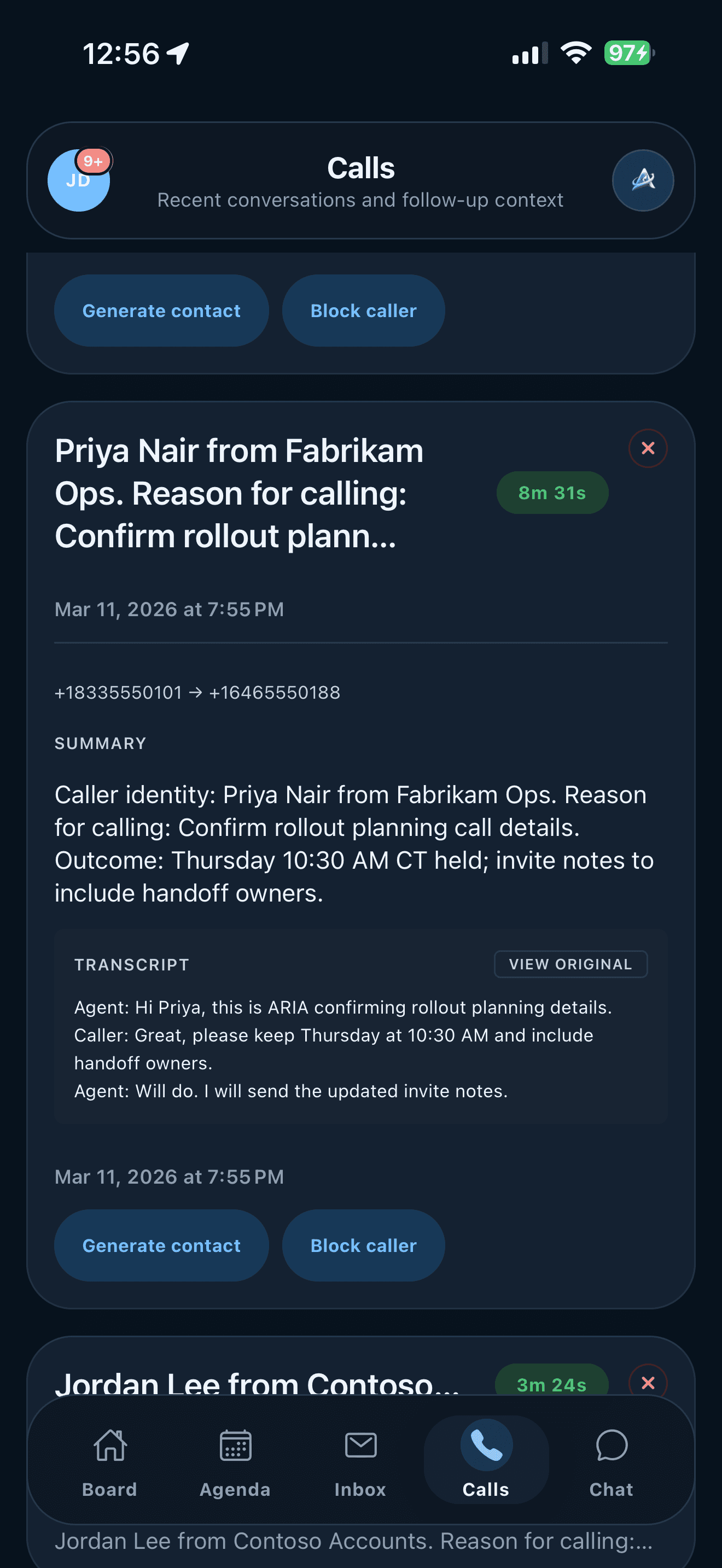
Call history
Shows recent calls, summaries, transcripts, scheduling needs, contact actions, and caller controls.
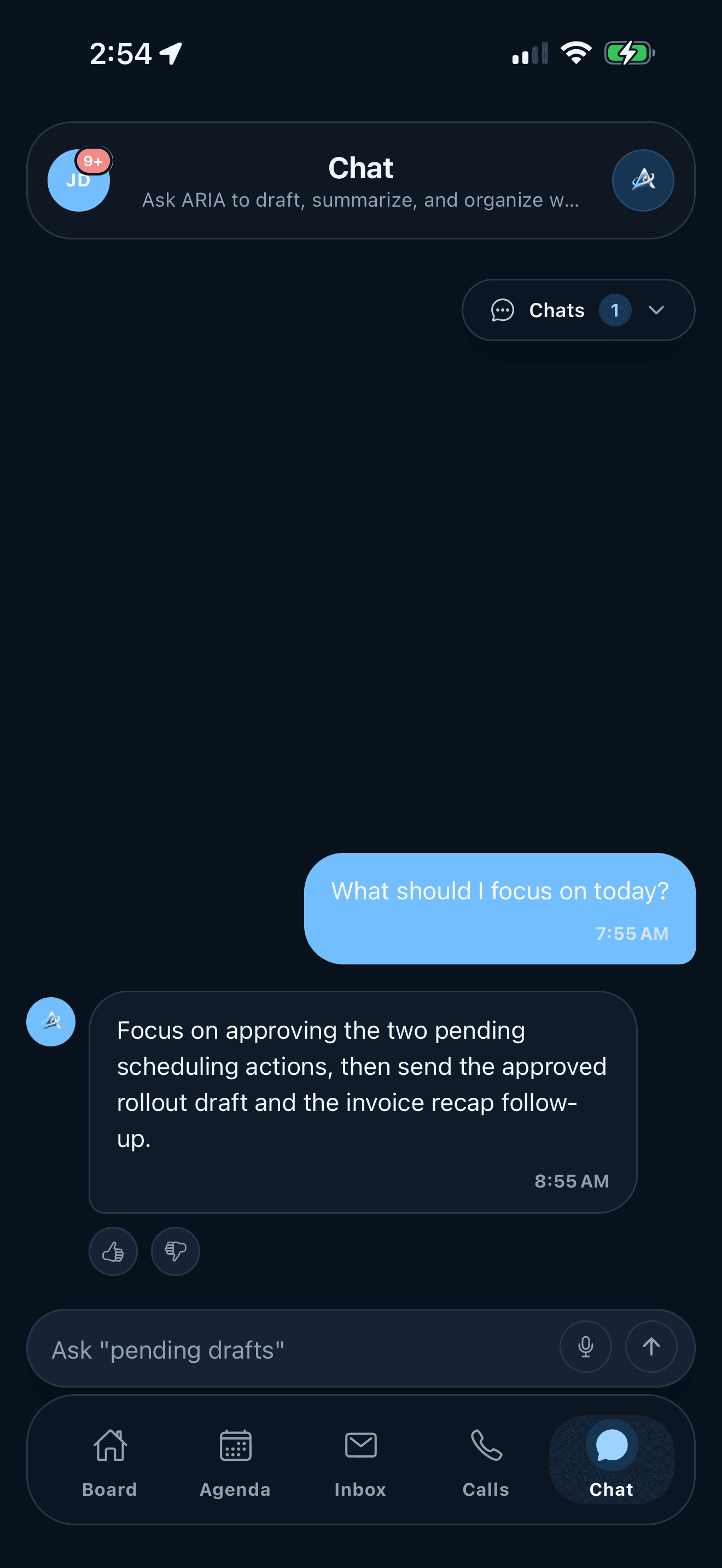
Assistant chat
Ask questions about current work, request summaries, or get help finding the right screen.
App areas
Users can check the daily overview, review draft replies, read call details, ask questions, manage provider settings, and review billing from the app.
Board overview
Draft approval
Call records
Chat assistance
Inbox and provider settings
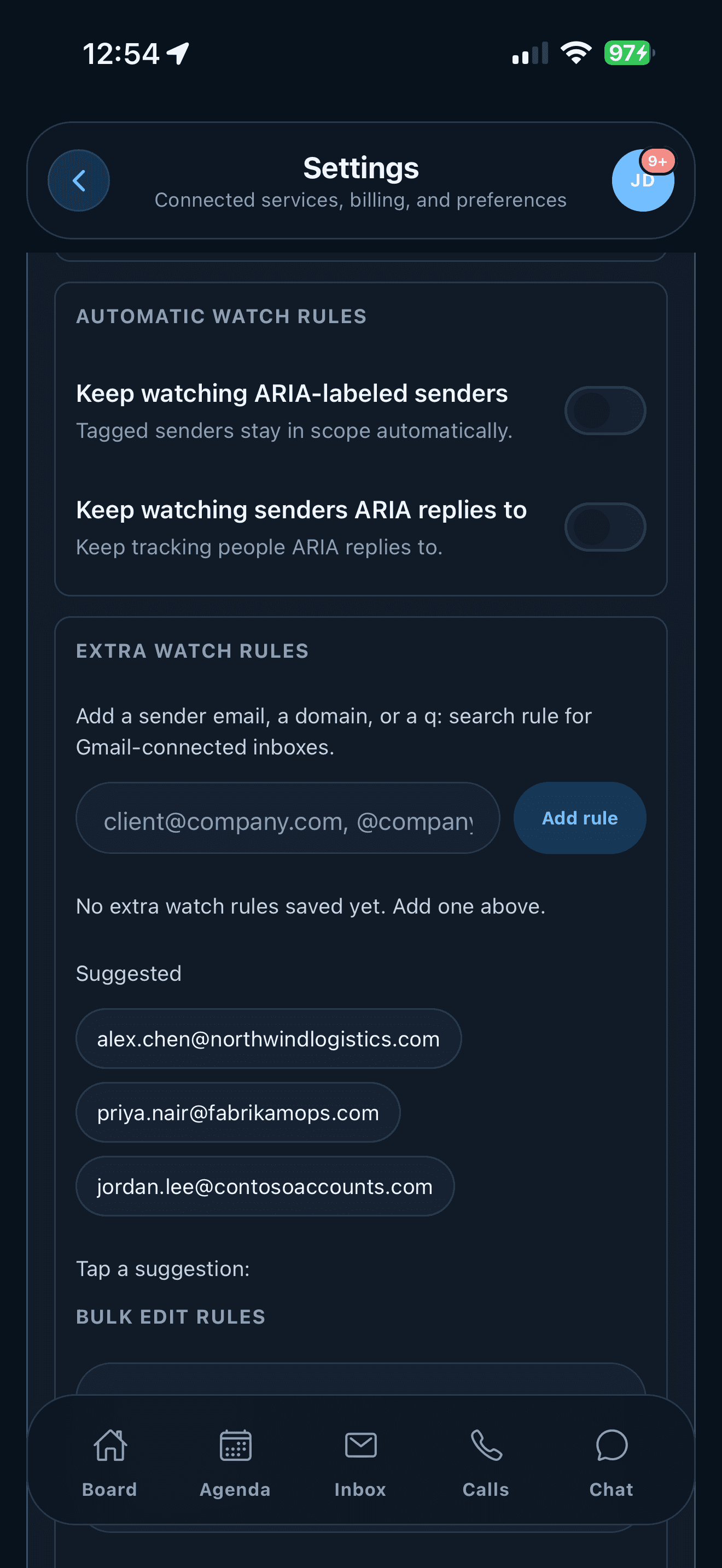
Plan and billing
What ARIA helps with
ARIA helps with email drafts, call records, calendar context, contacts, settings, and in-app help. Users review generated work before it is sent or applied.
ARIA can prepare replies and scheduling responses. Users approve, save, or regenerate drafts before sending.
Call summaries, transcripts, duration, caller identity, and follow-up context are organized in the Calls area.
Daily and weekly briefs connect appointments, pending decisions, and follow-ups to the current schedule.
Users can manage sign-in, provider access, inbox refresh timing, watch rules, AI sharing, style, voice, and billing.
ARIA can create and update contact profiles from calls and email, including names, companies, topics, and confidence levels.
The About guide and Chat can explain where to find a screen or how to use a setting.
Setup and control
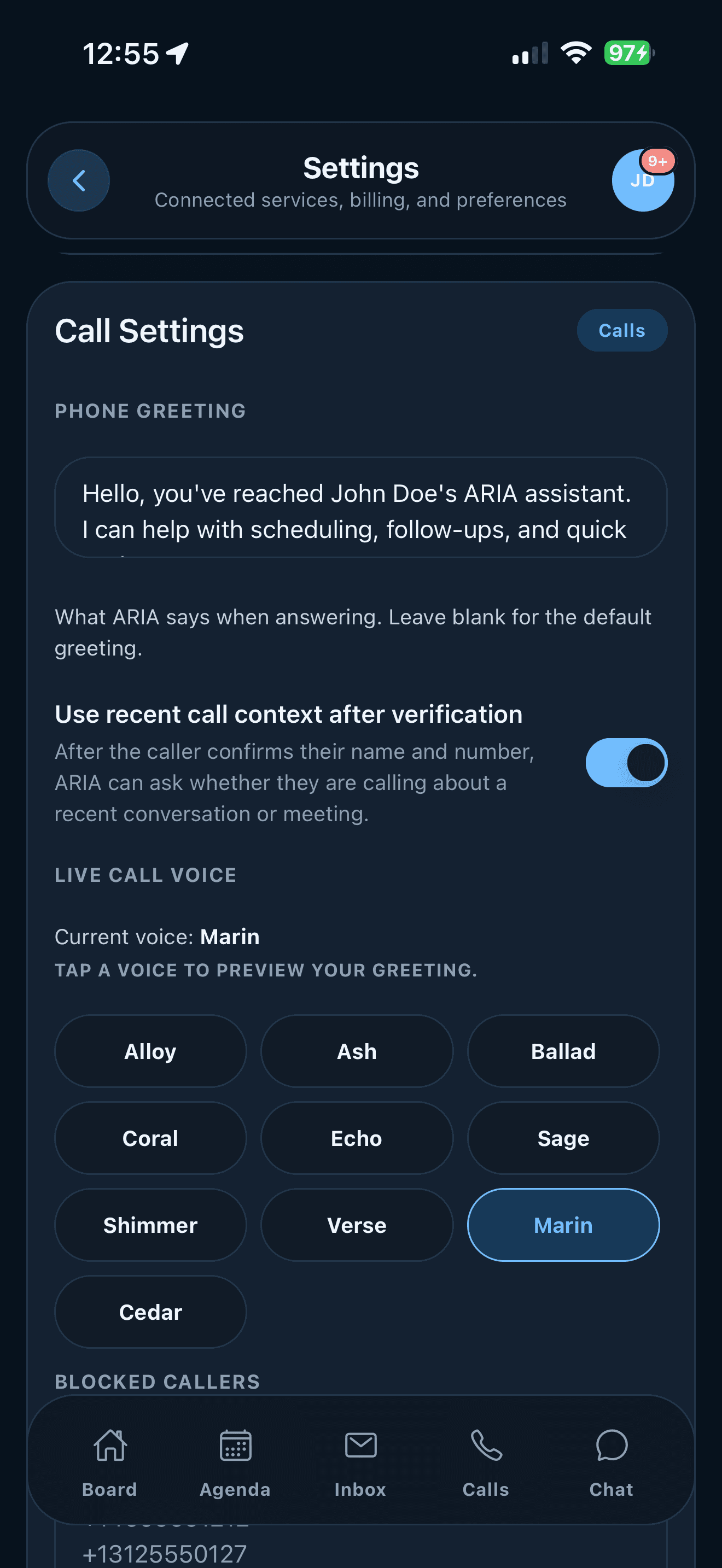
Settings show provider status, AI consent, voice options, blocked callers, subscription usage, and billing controls.
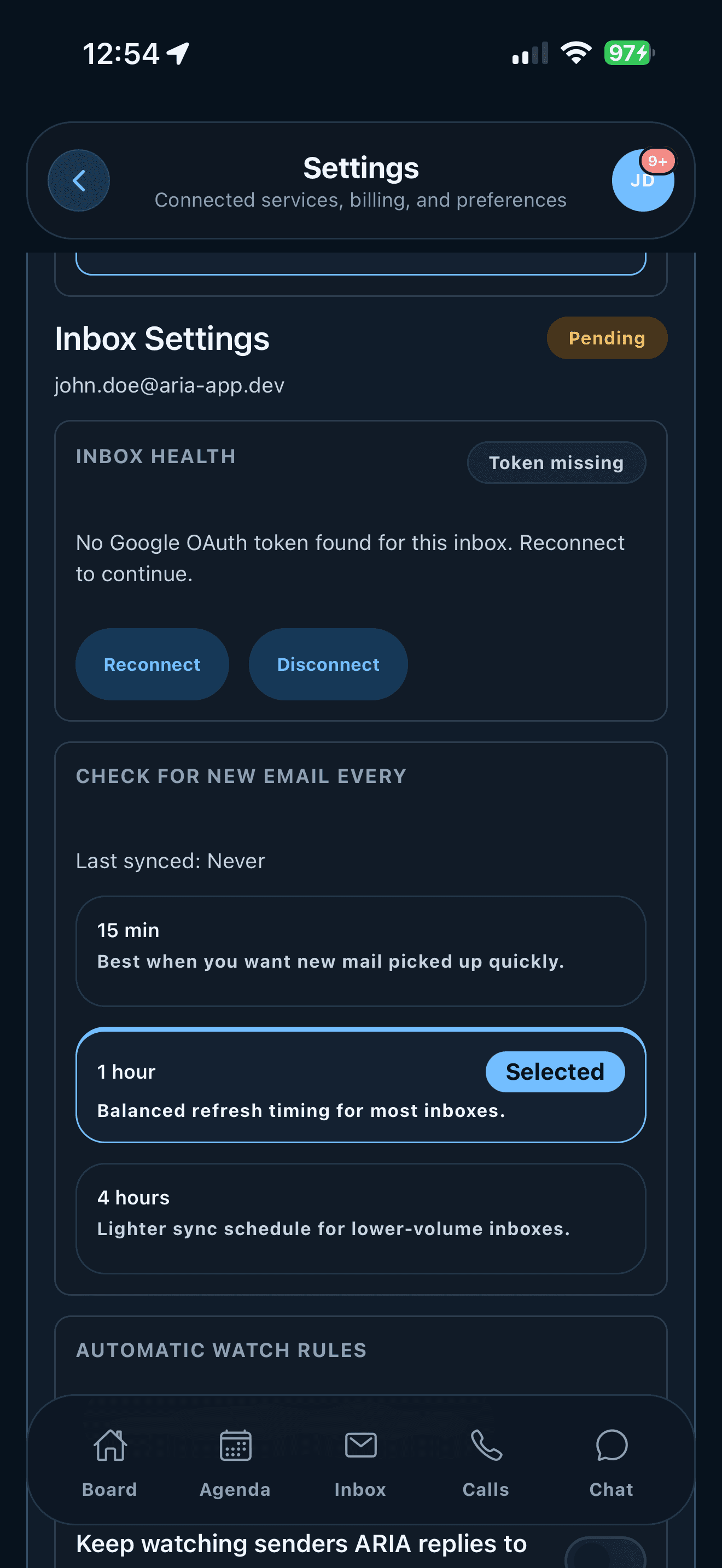
Link Google or Microsoft providers, choose inboxes, set refresh timing, and decide which messages ARIA should watch.
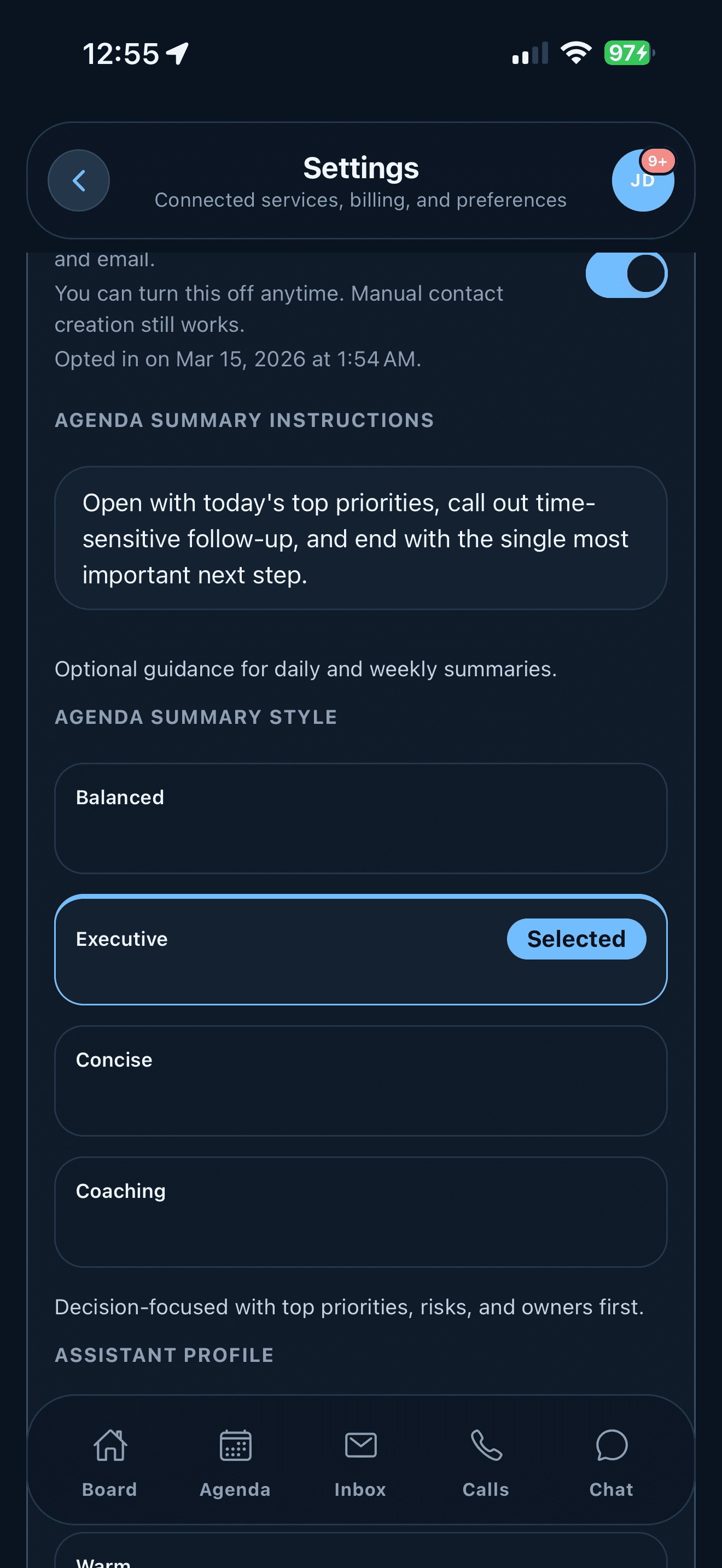
Control AI data sharing, writing style, summary style, automatic contacts, and the profile ARIA uses for drafts.
Edit the phone greeting, choose a live call voice, block unwanted callers, refresh summaries, and confirm the assistant number.
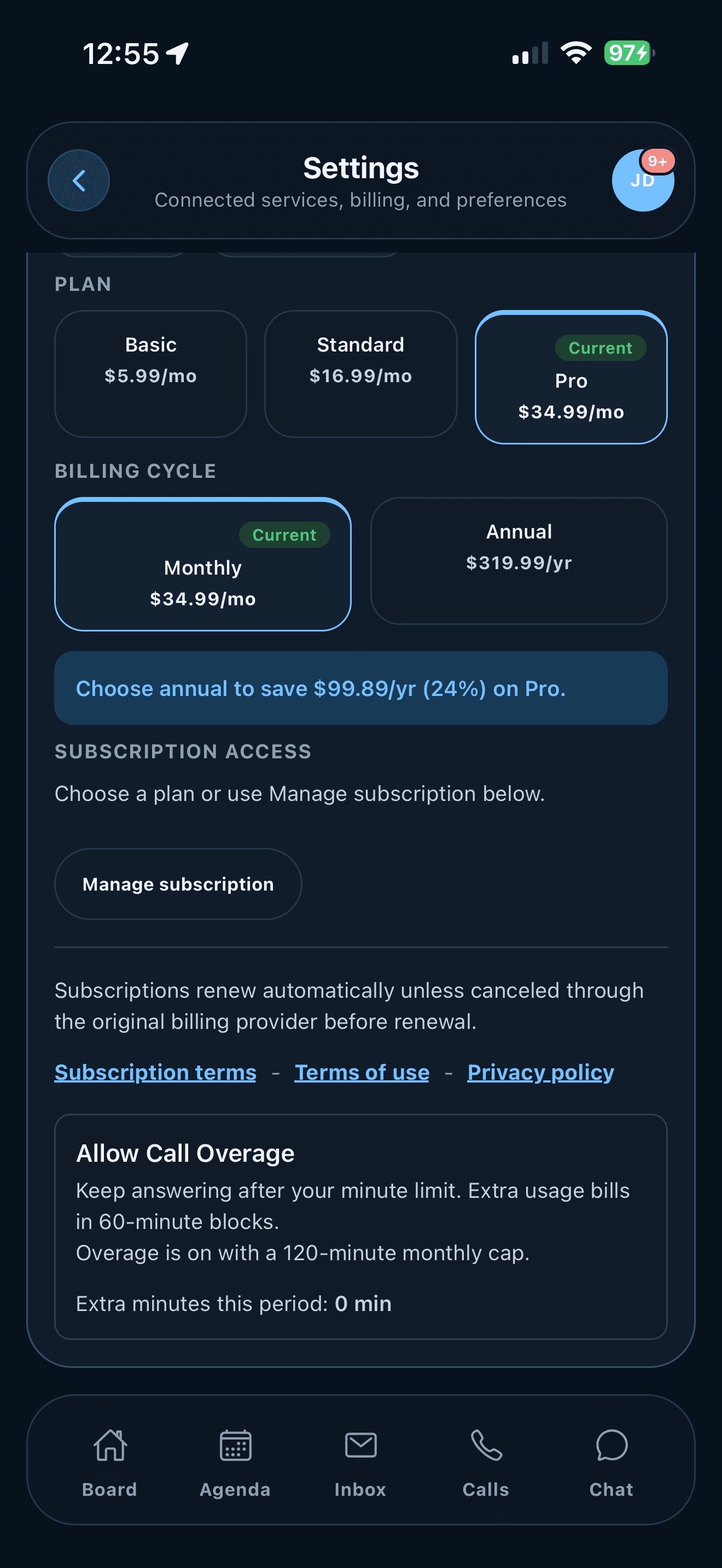
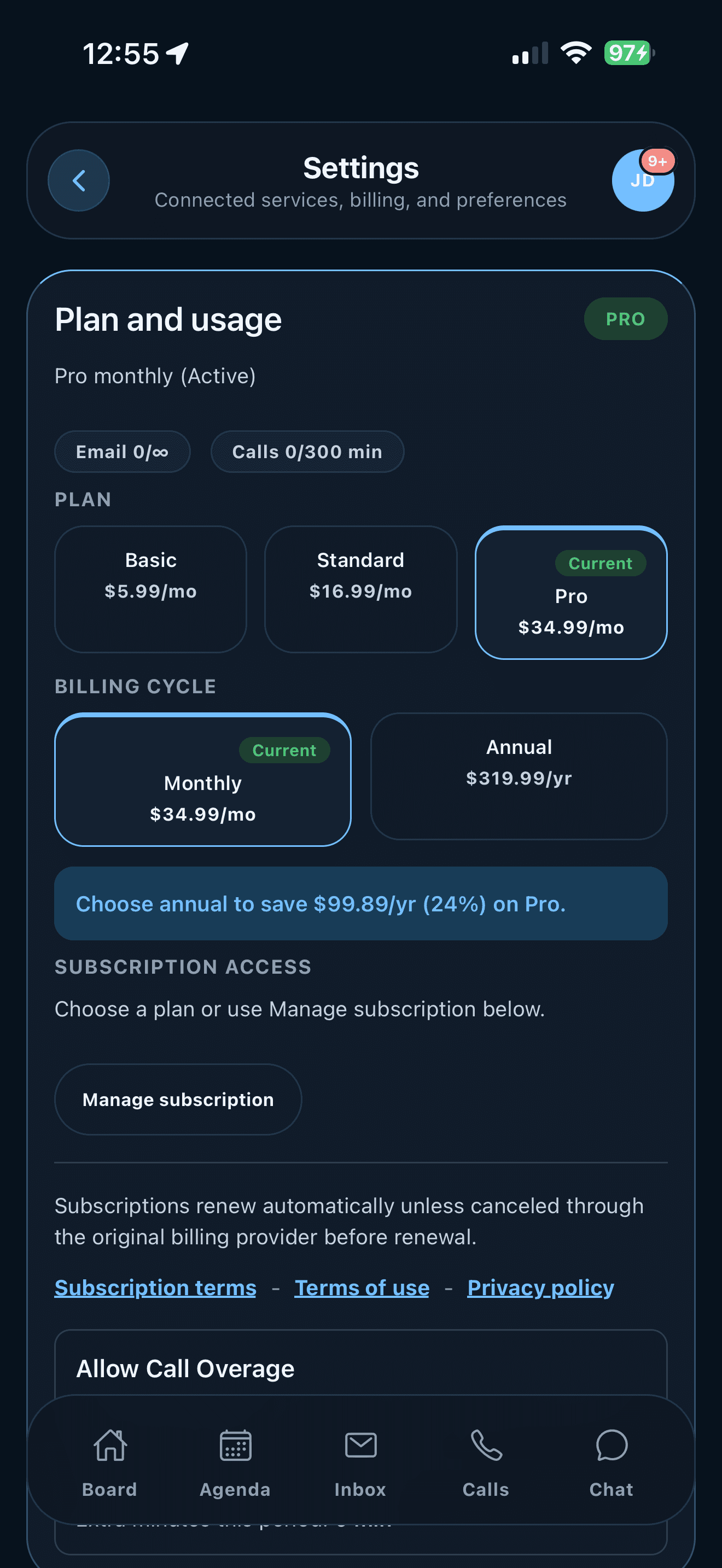
See plan level, email usage, call minutes, billing cycle, subscription access, and call overage rules.
Platforms
ARIA uses one mobile workflow on iOS and Android. Web supports larger-screen review and administration.
The mobile app includes Board, Agenda, Inbox, Calls, Chat, settings, notifications, contacts, and billing on iOS and Android.
The web app supports larger-screen review and administration using the same core workspace.
Each platform uses the appropriate controls for permissions, notifications, billing, and screen layout.
Replies, summaries, events, and follow-ups are available for review before an action is completed.
Pricing
Monthly plans include inbox limits, draft limits, and call-minute limits. Annual billing and overage settings can be managed in the app when subscription access is available.
Basic
For one inbox and up to 100 drafts per month.
Standard
For multiple inboxes, unlimited drafts, and included call minutes.
Pro
For more inboxes and a higher monthly call-minute limit.
Extra email accounts are available as add-ons, and call overage is billed in 60-minute blocks when enabled.
Waitlist
Get updates as ARIA becomes available on mobile and web. The guide explains the current workflow and settings.